
CaLabo® MX
Language Learning Functions
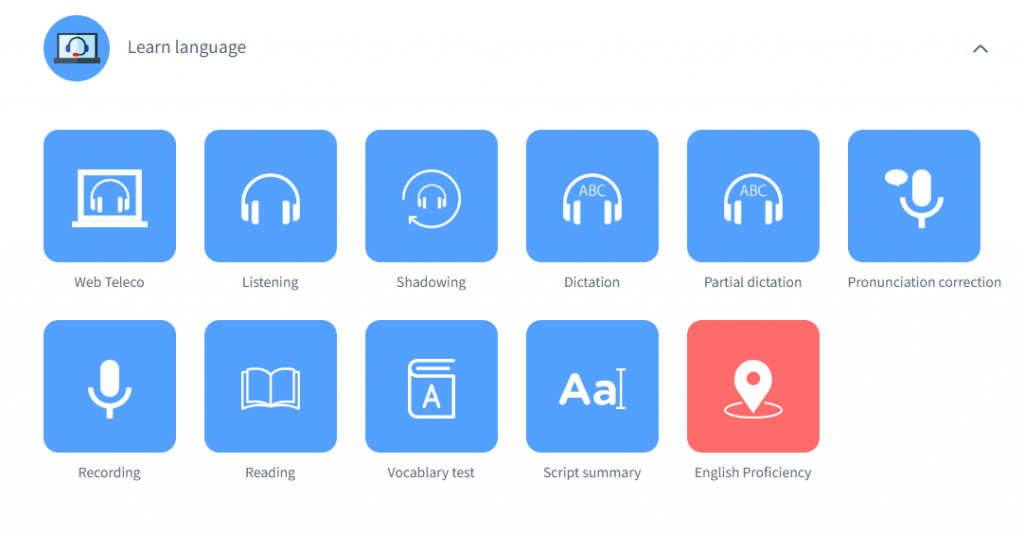
| Language Activities | Listening, Shadowing, Dictation, Partial Dictation, Recording, Reading, English Script Summarization |
|---|---|
| Vocabulary Test | Students can test their vocabulary at five levels. They can also study new vocabulary and edit their own wordbooks. |
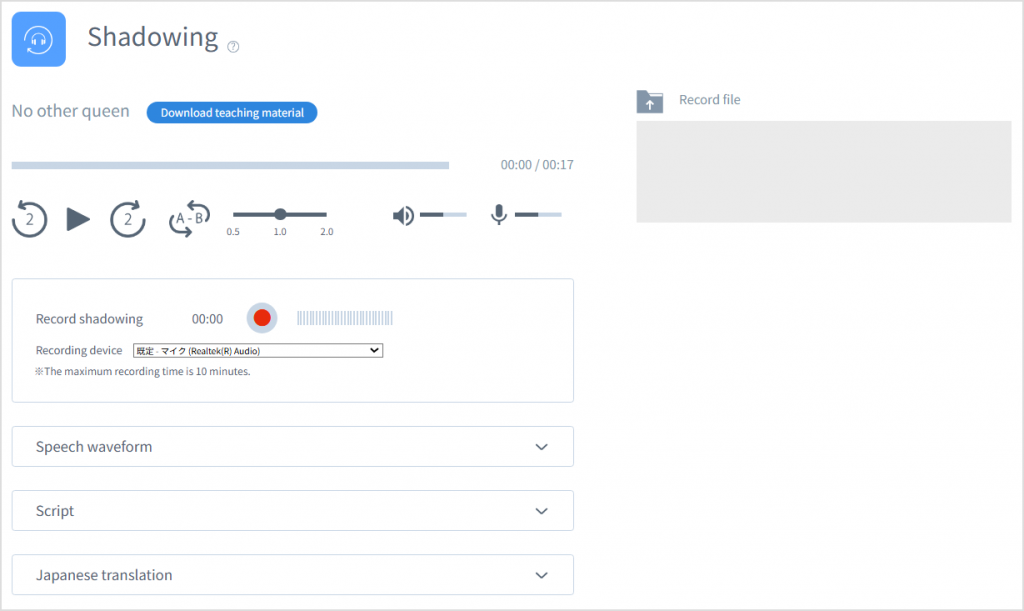
| Web Recorder | Using the materials registered for the class, students can study listening, shadowing, dictation, partial dictation, recording, and English script summarization. Activities can be conducted in face-to-face lessons, or students can launch the Web Recorder themselves to study. |
| English Proficiency Self-Assessment | Students can visualize their own English proficiency by answering an 83-item questionnaire covering nine areas, allowing them to evaluate their abilities from multiple perspectives. Teachers can analyze the English proficiency of students by class, individual, or question, and provide individually optimized instruction. |
Class Support Functions
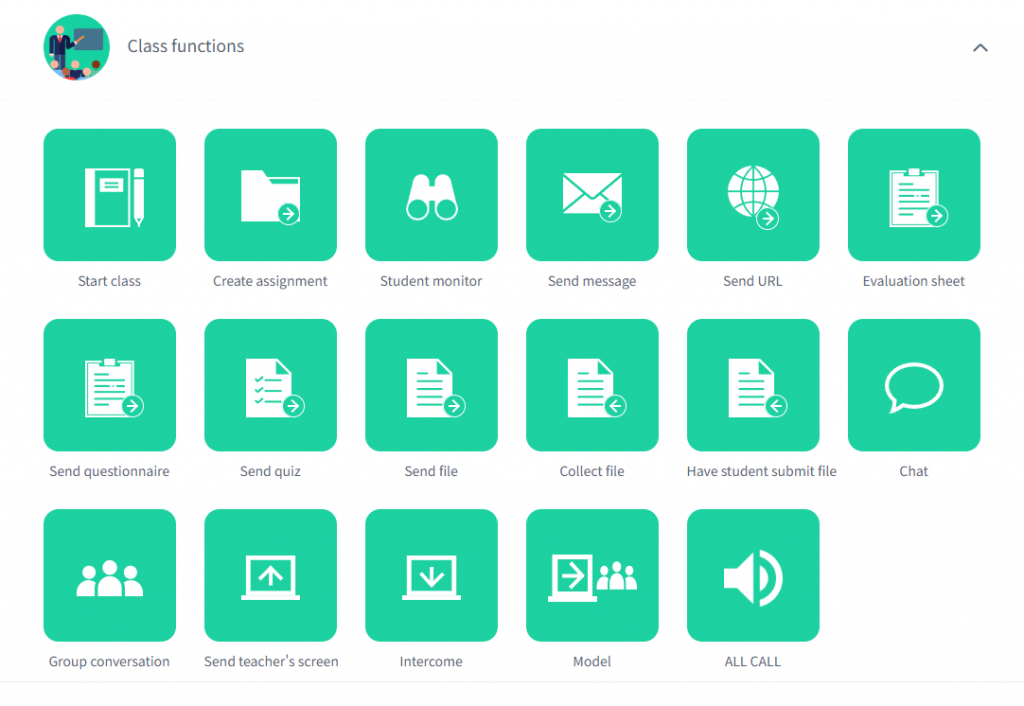
| Starting Lessons / Taking Attendance | Teachers can check the attendance of students in two ways: – Self check-in (within a set time window) – Check-in with an attendance code (attend by entering the attendance code) |
|---|---|
| Assignments | Language activities and submission deadlines are set and presented to students. Notifications are displayed on the dashboard for all class participants. |
| Student Monitor * | Teachers can check students’ desktop screens, either in a list or individually. |
| Teacher Screen Transmission | Teachers can display the teacher’s PC screen on the students screen and at the same time allow students to hear the teacher’s microphone audio or PC audio. Teachers can select which screen to send: the whole screen (desktop), a window, or tab. |
| Sending and Collecting Files | Share files by sending students links to cloud storage. Students edit the files directly, and teachers can collect them all in one step. |
| Lock Screens * | students’ screens are blacked out and mouse and keyboard operations are prohibited. |
| Send Message * | Send the entered message and have it pop up on the students screen. |
| Send Survey | Teachers can conduct multiple-choice surveys or free comment surveys and tabulate the answers. |
| Send Quiz | Teachers can create single-choice, multiple-choice, fill-in-the-blank, or ordering questions, and provide feedback on the results. |
| Evaluation Sheet | Students are asked to evaluate each other’s presentations, and the evaluation results are tabulated in real time. |
| Submit File | Students can be asked to submit files during class or by setting a deadline. |
| Send URL to All * | Send a specified URL to all students at once to allow them to browse a website. |
| Group Conversation * | Random pairs or groups can be formed for spoken conversations. Groups can be easily rearranged with the drag-and-drop operation. |
| Intercom * | Teachers can receive the selected students screen and microphone audio, and give them individual instruction while talking. |
| Model | The selected students screen and microphone audio can be selected to display on the screens of other attendees during a presentation. The presenter can select which screen to send: the whole screen (desktop), a window, or tab. |
| All Call (Broadcast) | All attendees can hear the teacher’s microphone audio. |
* Requires the client program (Windows/macOS).
Basic Functions (Prepare Lessons / View Learning History)
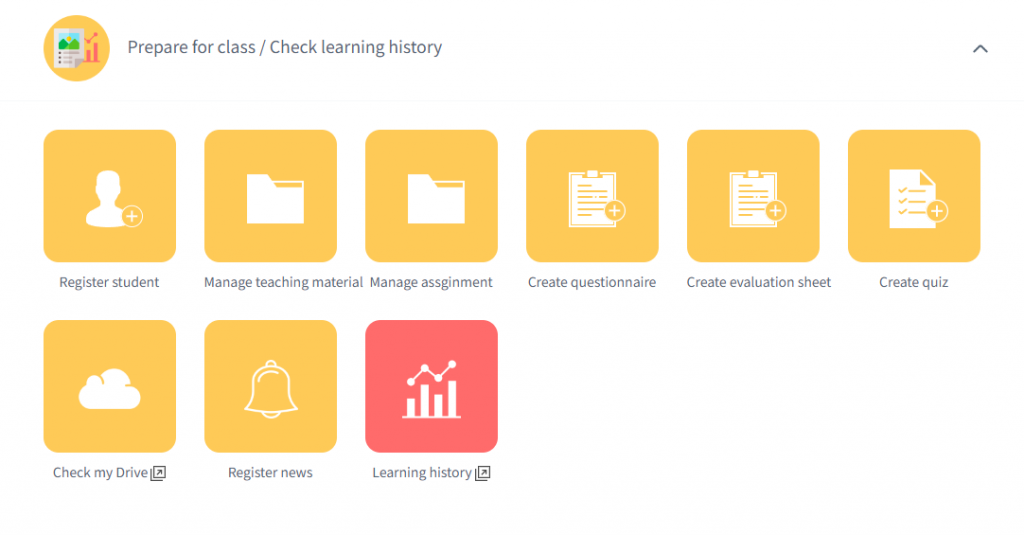
| Create a Class, Register Students | Teachers can create a class and register students in three ways: – Bulk CSV registration – Participant registration (participate voluntarily within the time limit) – Class code registration (participate by entering the code) |
|---|---|
| Prepare Lessons | Teachers can add language learning materials to the class, manage assigned tasks, register announcements for students, such as lesson cancellations or classroom changes, and prepare materials to be used in class, such as surveys or quizzes. |
| View Learning History | Teachers can check the learning histories for individual students and classes. |
Contact
お問い合わせ
製品の実物を見てみたい、費用を知りたい、導入までの流れを知りたいなど、
どんなご要望でもお気軽にお問い合わせください。