
CaLabo® MX
Feature 1: Automatic scoring function with speech recognition useful for shadowing and dictation
When shadowing, the recorded audio is converted to text and automatically marked against the textbook text. For dictation, the transcribed text is automatically marked against the textbook text.
Feature 2: Support for creating teaching materials with STT (Speech to Text) / TTS (Text to Speech) functions
Use built-in speech-to-text (STT) and text-to-speech (TTS) to create audio materials in seconds.

Feature 3: Ready-to-use materials for self-study
Content is available to support English learning activities. This can be used as material for assignments or as self-study material.
Automatic scoring function with speech recognition useful for shadowing and dictation
Activities include pronunciation practice and spoken answers to questions. The user’s recorded voice in shadowing is converted to text and automatically marked against the main text. The speech is automatically recognized and the results are displayed for comparison, so students can visually check their weaknesses. A wide range of other listening, speaking, reading, and writing activities are also available, including pronunciation correction, recording of oral answers to questions, and dictation that automatically scores transcribed sentences.
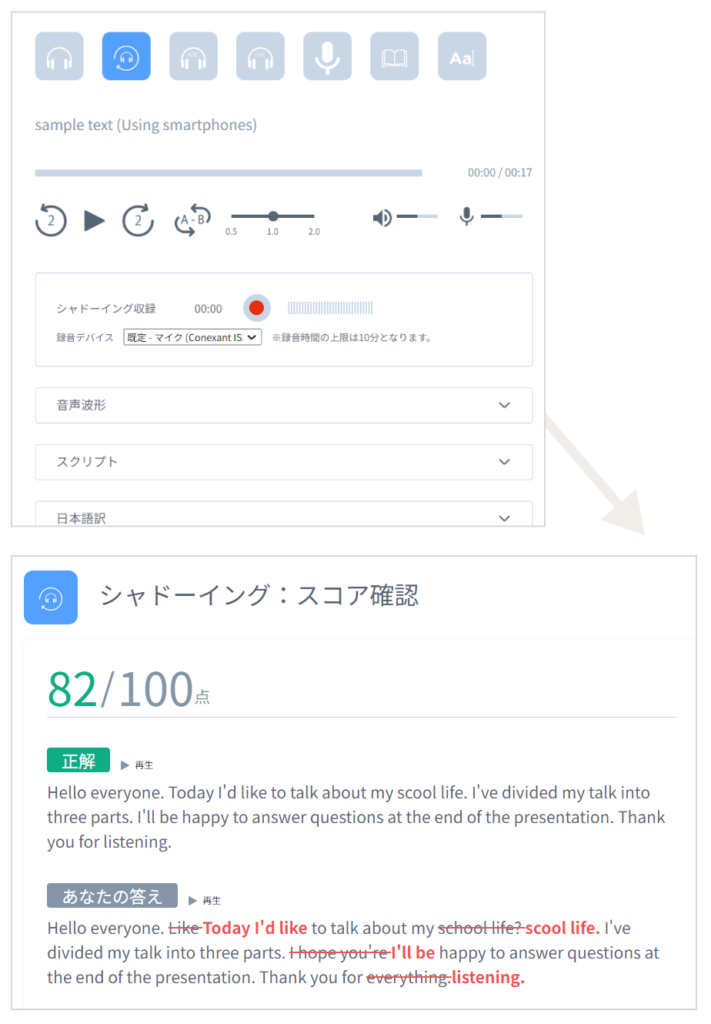
It is equipped with useful functions for listening, such as adjusting the audio speed and volume, and A-B repeat.
Automatic scoring is achieved for some activities by speech recognition, such as recording students’ voices during shadowing and recording activities. *This feature may not be available depending on the type of license.

The reading aids allow students to quickly look up words, register them in My Wordbook, and color-code learned words.

During dictation, students can listen to the teaching material audio and have their transcribed content automatically marked.
Support for creating teaching materials with STT (Speech to Text) / TTS (Text to Speech) functions
Select a text file, convert it to audio—and it’s ready.
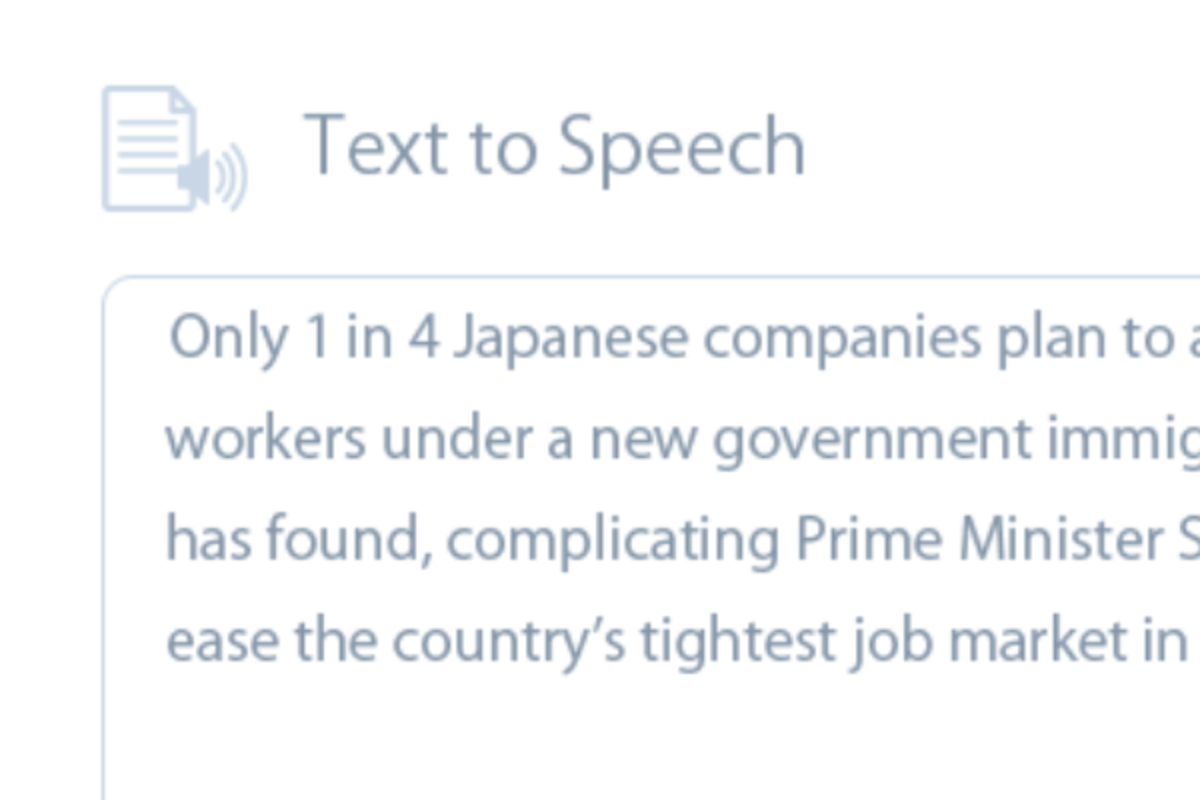
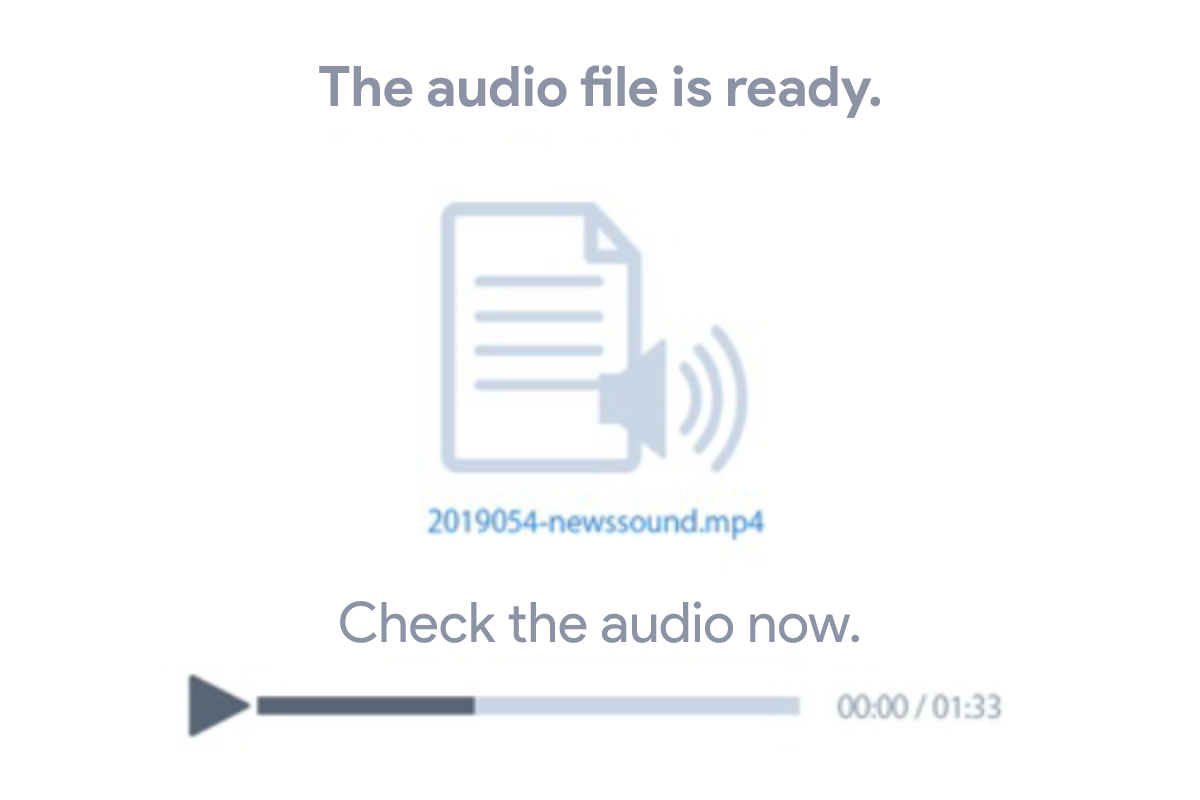
Includes a support tool that automatically converts between audio and text using STT (Speech to Text) and TTS (Text to Speech) functions, making it easy to create audio materials, including dictation exercises with scripts and answer keys. Both teachers and students can create materials easily in the same way.
Specify an English word, and multiple-choice options are automatically generated—done.
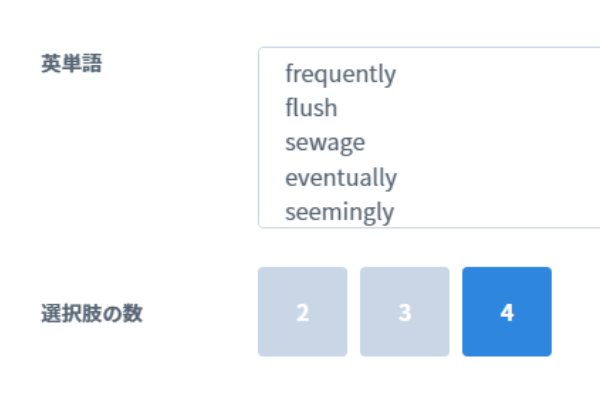
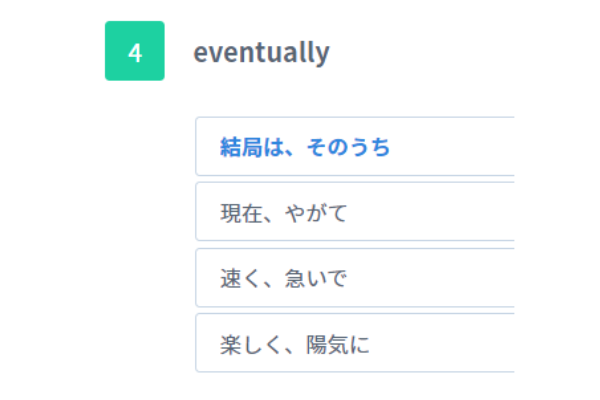
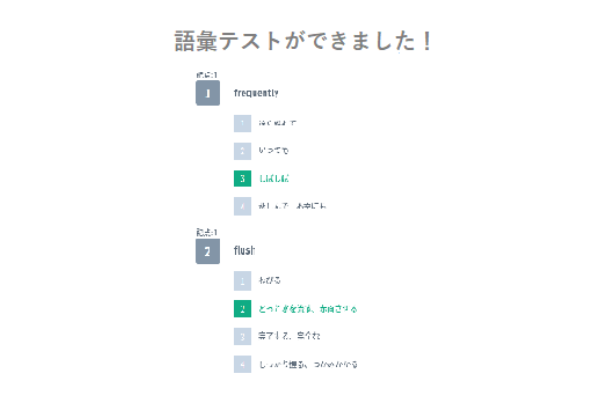
In addition to audio and text materials that can be used for language activities, teachers can also easily create English word tests as teaching materials. Simply specify the English words you want to set as questions, and the choices will be set automatically, allowing you to conduct a quiz right away.
Ready-to-use materials for self-study
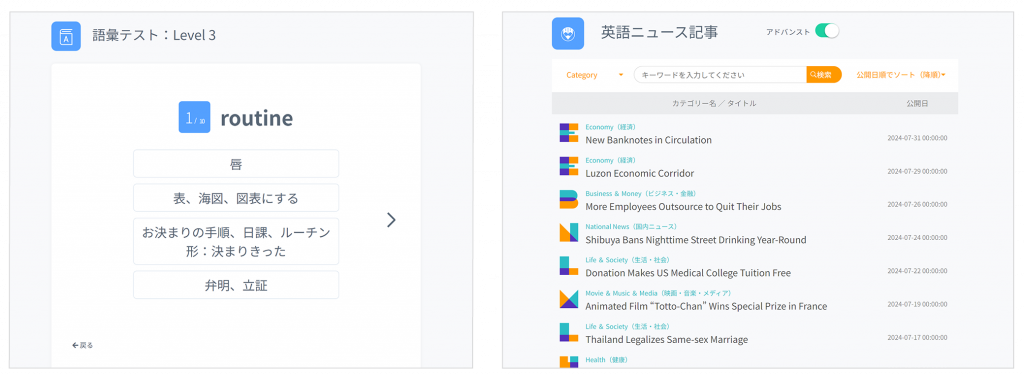
Ready-to-use content is available to support English learning activities. Current events and news in English, collections of phrases for presentations, and the word database can be used by teachers as materials for assignments or by students as self-study material. Students can choose learning content related to the English skills they want to improve.
Current Events and News in English
Updated three times a week, with two difficulty levels: Advanced and Basic. Each article includes audio and a comprehension quiz. It also comes with audio of the articles and a quiz to check comprehension.

Presentation Phrases (Pronunciation Practice) – Presentation Phrase Collection
Students can study phrases used during presentations, from the introduction to the closing remarks.

Vocabulary Tests/ My Wordbook
My Wordbook contains about 18,000 words and their meanings, which students can use as a reading aid. By classifying words as learned or unlearned, students can track which words they’ve learned.

“Powerful Dictation”
Develop comprehensive English skills through the combined study of dictation and reading practice. Answers are scored automatically, and teachers can check students’ scores and progress.
Contact
お問い合わせ
製品の実物を見てみたい、費用を知りたい、導入までの流れを知りたいなど、
どんなご要望でもお気軽にお問い合わせください。