
eラーニングシステム
GLEXA 《グレクサ for アカデミック》
The simple operation allows any user to create questions easily.
Teachers can easily create a question as soon as they open their browser. For example, the simple interface allows users to create a multiple-choice question in about three seconds.
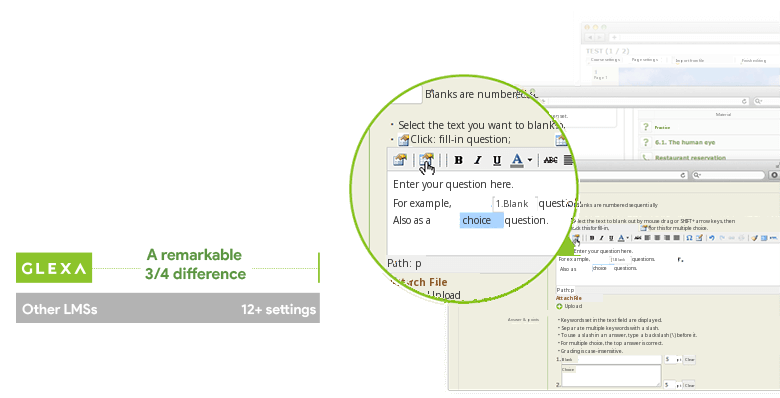
Example:Comparison of Required Input Fields When Creating Multiple-Choice Questions
Increase students’ interest and concentration.
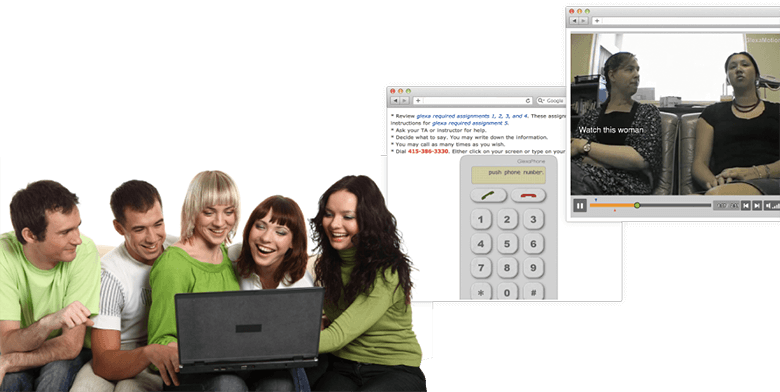
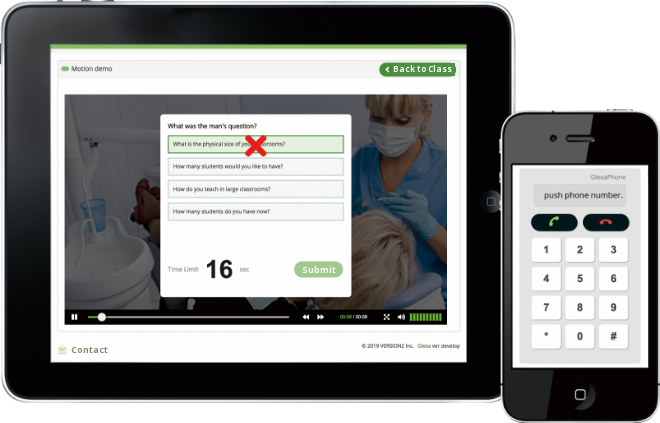
Questions and assignments can be created in various formats, such as quizzes, fill-in-the-blank/sorting, matching questions, and questions or conversations in the middle of a video, allowing teachers to ask questions that keep students focused.
Improve communication and speaking skills.
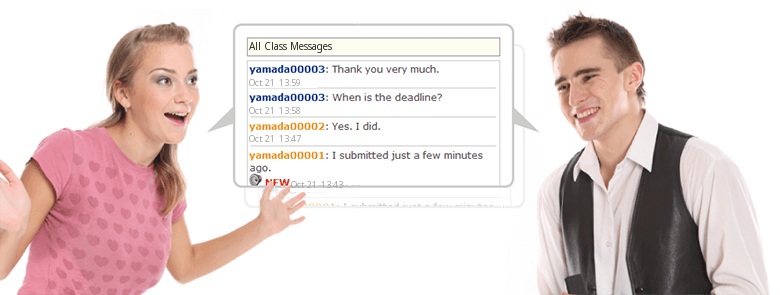
Students’ communication skills can be improved by having them mutually evaluate their statements in forums, deepening exchanges between students through chat, and creating simulated experiential teaching materials that simulate conversations and phone calls.
Managing information with little burden on the teacher.
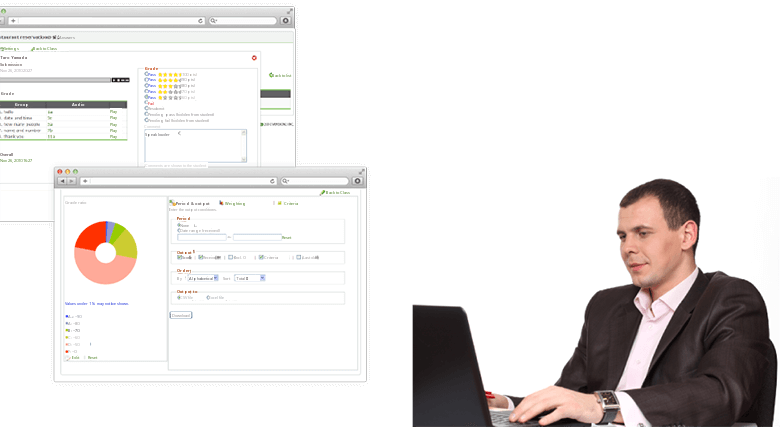
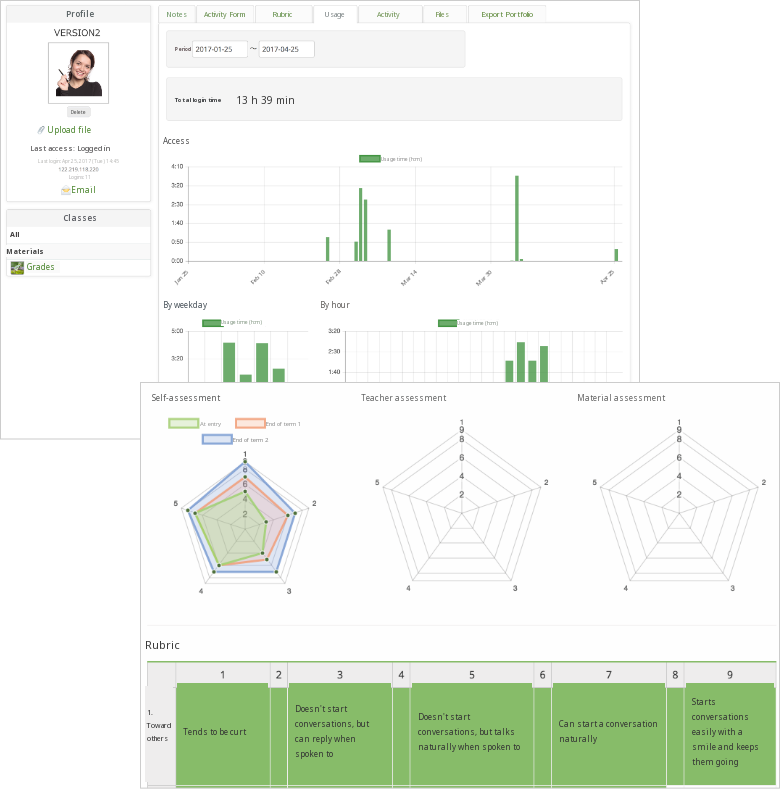
Teachers can manage learning performance, evaluations, and progress in an easy-to-understand manner through visualization with graphs and by managing by students or class. Classes can be created before registration is finalized, allowing teachers to organize the students rollcall afterward and take attendance at their own discretion, reducing the information management burden.
Basic Functions of GLEXA
Class/Students Management
Teachers can manage lessons in a timetable format. This offers all the necessary functions for classes, such as students registration, course period, and attendance.
Teaching Material/Question Management
Various question formats can be displayed on a single page, and students can use drills to build up their skills. This feature can also be used for exams or quizzes.
Grade/Progress Management
Everything from statistical grade management to real-time answers and attendance status can be viewed. Grade data and other information can also be exported to Excel for easy management.
Conversation/Interview Learning
Teachers can improve students’ dialogue skills with teaching materials that simulate conversations or phone calls with outstanding 44.1 kHz sound quality, and asked to give spoken responses to questions.
Collaborative Learning
Using chat and opinion exchange forums, students can learn collaboratively using audio and files in addition to text.
Video Learning
In addition to showing videos of lectures and teaching materials, teachers can also present questions and have conversations during viewing.
Mobile Learning
Students can be asked to submit questions and assignments using their mobile phones or tackle assignments during their school commute.
Bulk Email Distribution
Teachers can send important information or notifications before a lesson, such as supplementary lessons to all students in the class, via GLEXA email.
Mobile learning anytime, anywhere.
Students can tackle assignments at any time on their smartphone or tablet.
Visualize learning status with a portfolio.
This feature records learning evidence, such as usage status, activities, and submitted materials, and automatically issues it as a “record.” Visualizing activity status allows students to reflect on their learning and re-examine their performance. A feature of GLEXA is that it can be used not only for creating teaching materials but also as an LMS.
*Available as a separate option.
Contact
お問い合わせ
製品の実物を見てみたい、費用を知りたい、導入までの流れを知りたいなど、
どんなご要望でもお気軽にお問い合わせください。